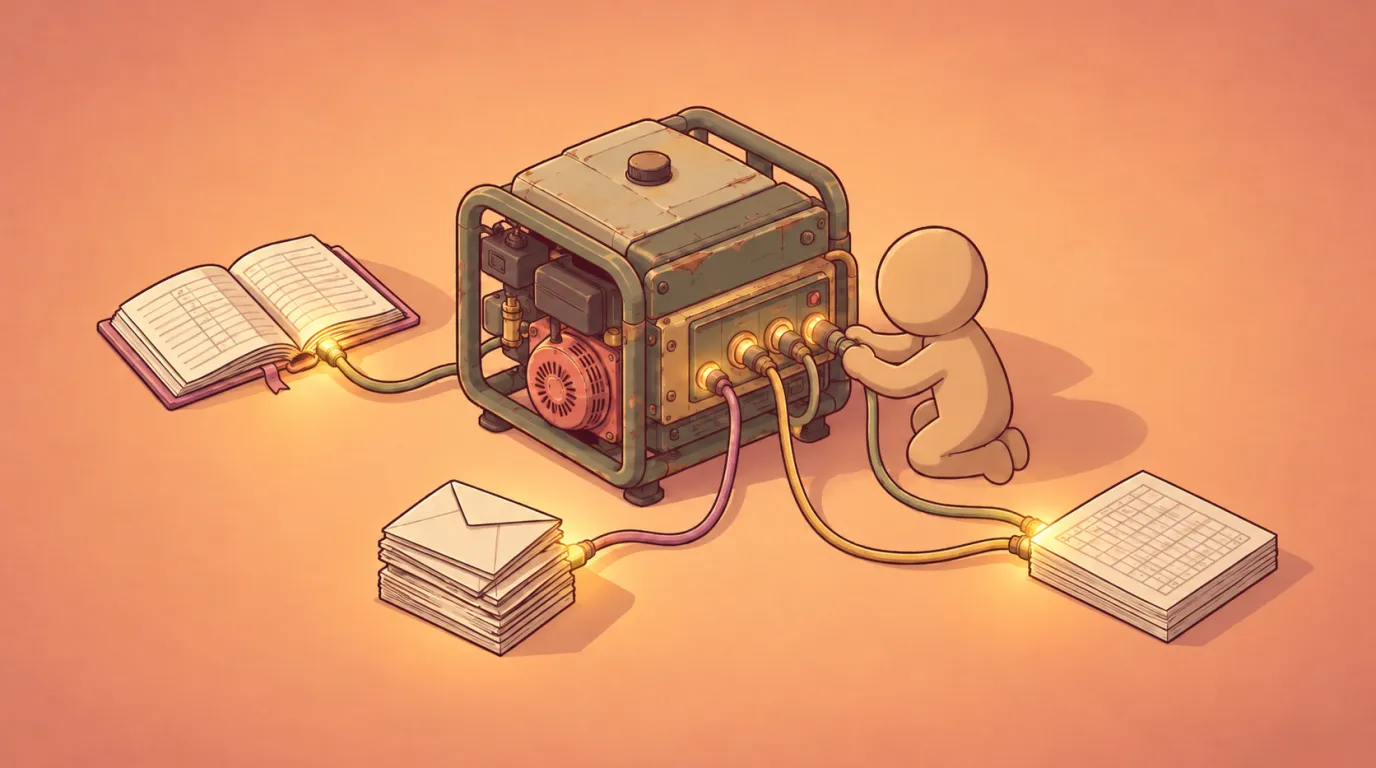
Do I need a new ERP, or can I integrate my existing one? Usually, you can keep your existing ERP. If it’s still supported and records your core transactions reliably, the lower-risk move is to keep it as your system of record and connect it to your accounts, spreadsheets, email and WhatsApp. Replace it only when support has ended, it can’t share data, or the workarounds cost more than moving would.
Why the answer is usually “connect”
Most of what owners complain about sits in the gaps between systems: orders retyped from WhatsApp, a month-end that waits on three spreadsheets, two reports that never quite agree. A new ERP doesn’t close those gaps. It still has to be connected to everything around it, and it brings data migration, retraining and a long stretch of running old and new side by side. Before you choose, find out where the time goes and where the errors start.
Signs integration is enough
- The ERP is supported and does its core job (orders, stock, billing or ledger) without regular failures.
- The problems sit between systems: rekeying, copy-and-paste, numbers that don’t tally.
- You can get your data out, through exports, reports, database access or an API.
- Your team knows the system, and the processes it supports still fit the business.
- You want work to move faster and numbers to show up sooner, and the way you trade still works.
Signs replacement is justified
- The vendor has ended support, or security updates have stopped.
- There’s no practical way to get data in or out.
- The business model has changed (new entities, currencies or service lines) and the ERP can’t represent it.
- The workarounds (extra staff time, parallel spreadsheets, paid customisations) cost more each year than a migration would.
- You can’t meet a compliance requirement by connecting to it.
A quick self-check
Score each statement 0 (not true), 1 (partly true) or 2 (true).
| Statement | Score |
|---|---|
| Our ERP vendor no longer supports our version. | 0–2 |
| We can’t get our data out without the vendor’s help. | 0–2 |
| The ERP can’t represent how we now trade. | 0–2 |
| Workarounds cost us more each year than a move would. | 0–2 |
| Our team actively avoids using the ERP. | 0–2 |
| We can’t meet a compliance requirement by connecting to it. | 0–2 |
- 0–4: Keep it and connect it. Start with the flow that hurts most.
- 5–8: Run a narrow pilot first. Connect one flow and see if the pain goes.
- 9–12: A replacement is worth scoping properly.
What connecting looks like in practice
ERP integration with other systems starts with agreeing where each piece of information lives. Choosing the software comes after that.
- The ERP stays the system of record for what it already does well: orders, stock and billing.
- Your accounts system receives entries as they happen, instead of a month-end batch someone retypes from a spreadsheet.
- Spreadsheets read from the source, so nobody rebuilds them by hand.
- An order change, a confirmation or a supplier invoice that arrives by email or WhatsApp goes into the right record once, and a person checks the exceptions.
- Every figure that matters, such as revenue, a job’s margin or what customers owe you, has one source and one named person responsible.
None of this needs a new system, and your team keeps the tools it knows.
Typical scenario: shipping and port services
An illustrative example, not a client story. A port services business runs bookings and billing in an older ERP. It tracks vessel calls and job sheets in Excel and takes changes from agents by WhatsApp and email. Each change is retyped twice, and charges get missed at billing. Once connected, each change is captured once against the job, billing draws on the agreed charges for that job, and finance sees unbilled jobs every day. The ERP stays where it is.
Typical scenario: finance firms
An illustrative example, not a client story. A wealth or advisory firm keeps client records in one platform, its books in an accounting system and its fee calculations in a spreadsheet. Client requests arrive by email. Fees are reconciled by hand each quarter. With the systems connected, the fee schedule feeds billing directly and the platform and the accounts agree on fee revenue. The core platform stays.
A note for Singapore businesses: InvoiceNow
The GST InvoiceNow Requirement doesn’t, by itself, mean you need a new ERP. For businesses with their own in-house enterprise solution, IRAS’s guidance is to work with an IMDA-accredited Access Point Provider to connect that solution to IRAS. Its FAQ says ERP users can do this directly or through an appointed systems integrator. If you use off-the-shelf software, check whether it’s on IMDA’s InvoiceNow-Ready list. IRAS advises allowing 3 to 12 months to connect and test in-house solutions. The requirement is phased in by business size from 2025 to 2031, so check your date on the IRAS InvoiceNow page.
How Superuser HQ approaches it
We start small, with the two or three parts of the business that matter most to you, and build from there. Our published projects went live in about eight weeks to three months. Nothing gets ripped out, and your data and your accounts stay yours. If replacing is the right call, we’ll tell you. See how we can keep your ERP and get it working with everything else.
Start with a conversation
If you want a straight answer for your business, tell us which two or three parts you’d most like running smoothly. If something isn’t worth building, we’ll say so.
Consider it done.
Frequently asked questions
In most cases, integrate it. If it's supported, reliable at its core job and you can get data out, connect it first. Replace it only if a pilot shows the problem is the ERP itself.